For the owner, the coach, the member
Everyone signs in as themselves and sees their own part.
The owner
Runs the timetable, the members and the money. Only they see the settings.
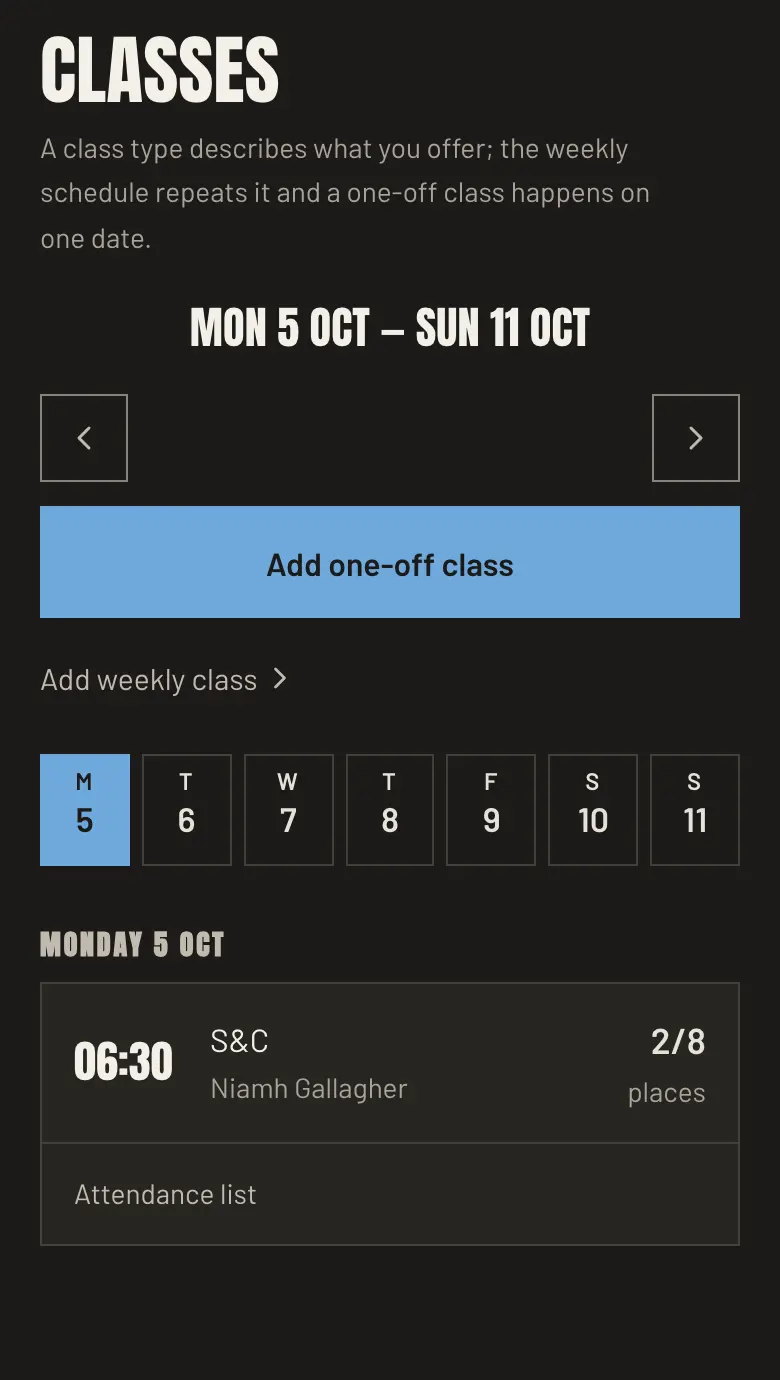
- Weekly timetable
- Write each class once, with its time, places and coach. It repeats every week.
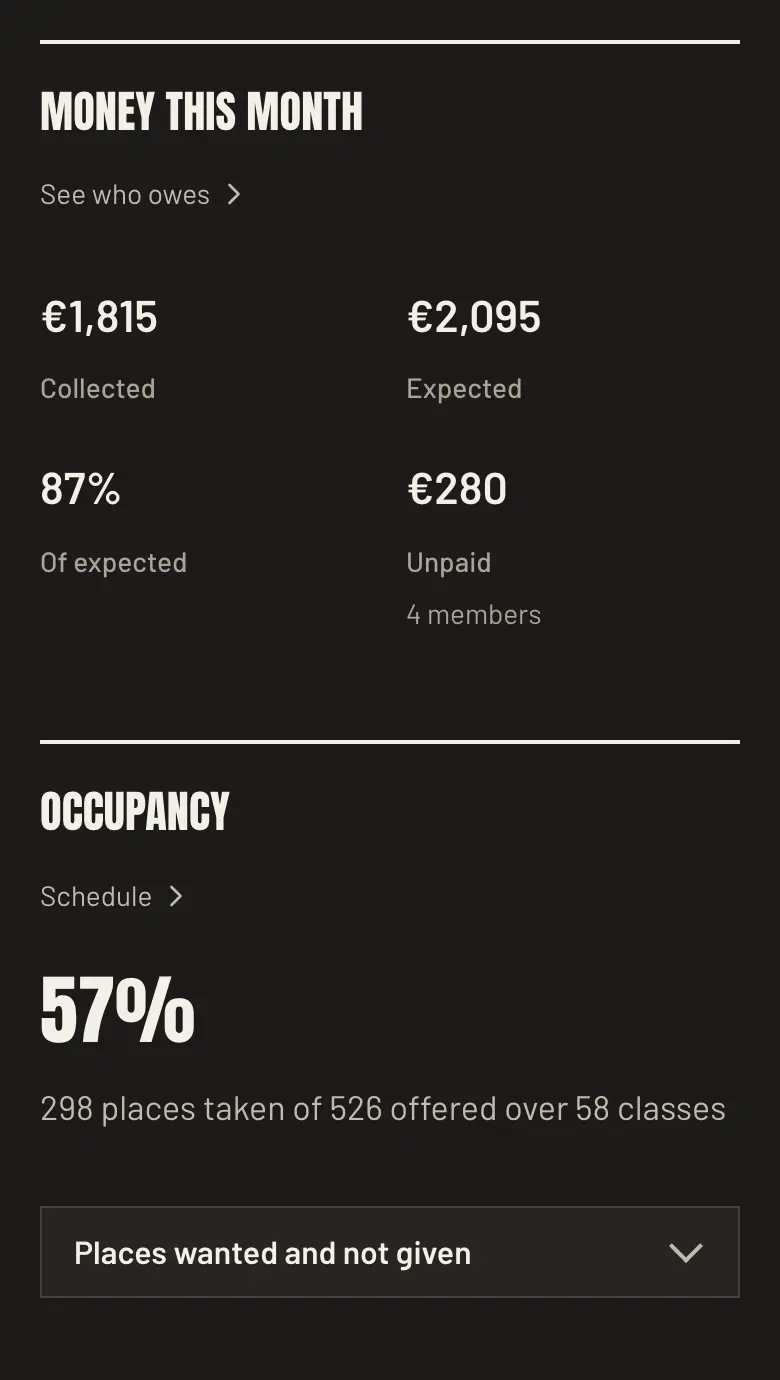
- The month at a glance
- Each month you see what came in, what is still owed and how full the classes were.
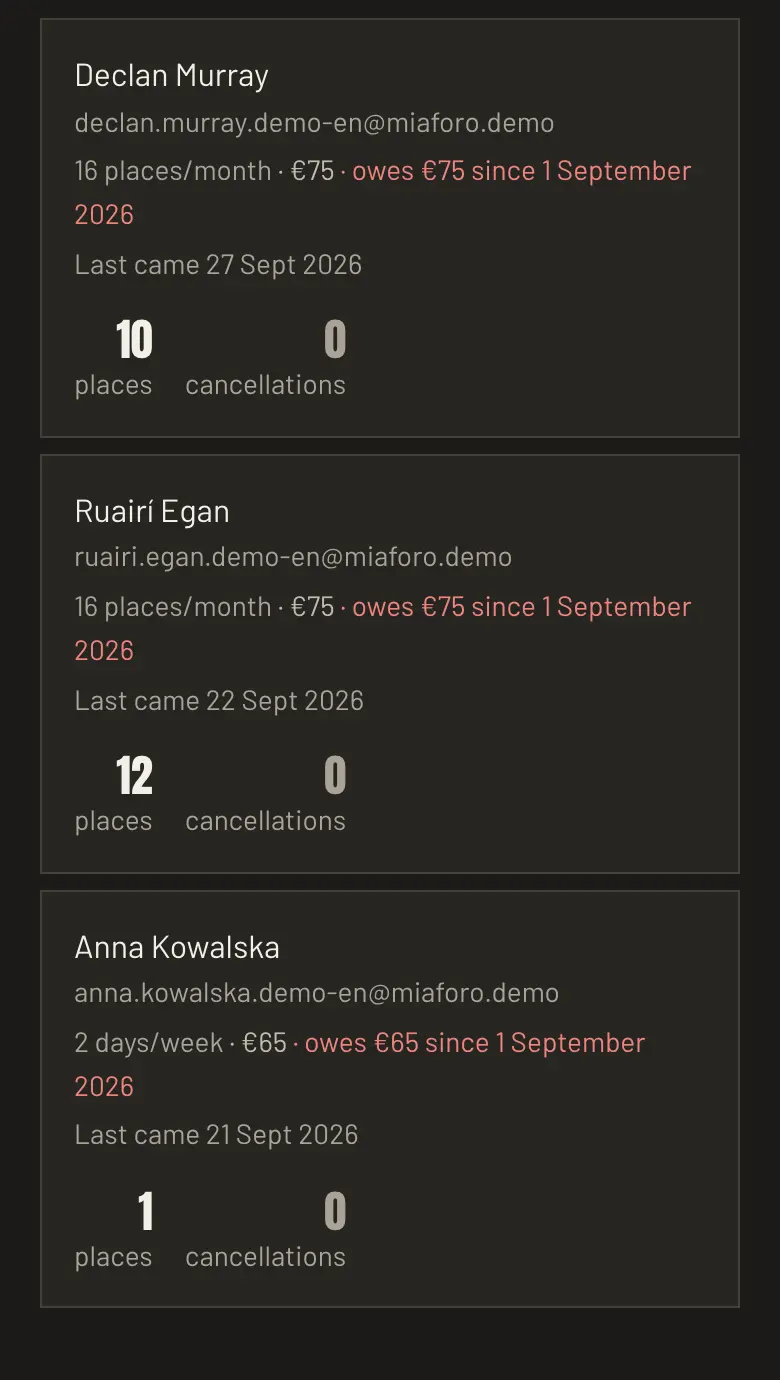
- Who owes
- Record each payment, and whoever owes for the month comes first.
- Member files
- Invite everyone from a list or a CSV. Each member’s file shows their membership, payments and a private note.
- Fees and passes
- Monthly, weekly or unlimited fees, and class passes.
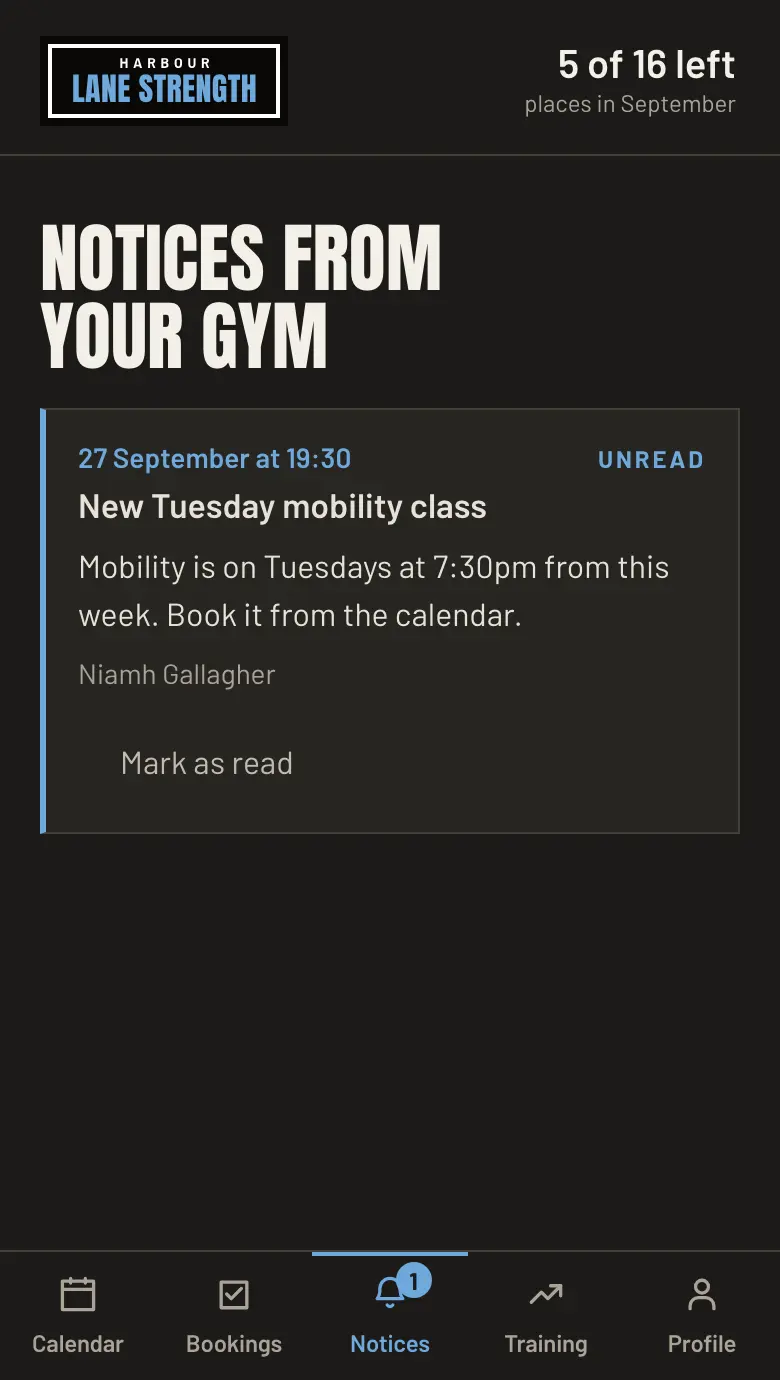
- Notices
- Write to the whole gym, or only to those booked on a class.
- Online payments
- Members pay their fee online by card, through Stripe.
The coach
Sees their own classes and marks who came. No money, no settings.
- Their own classes
- Each coach signs in to the panel and sees the classes they teach.
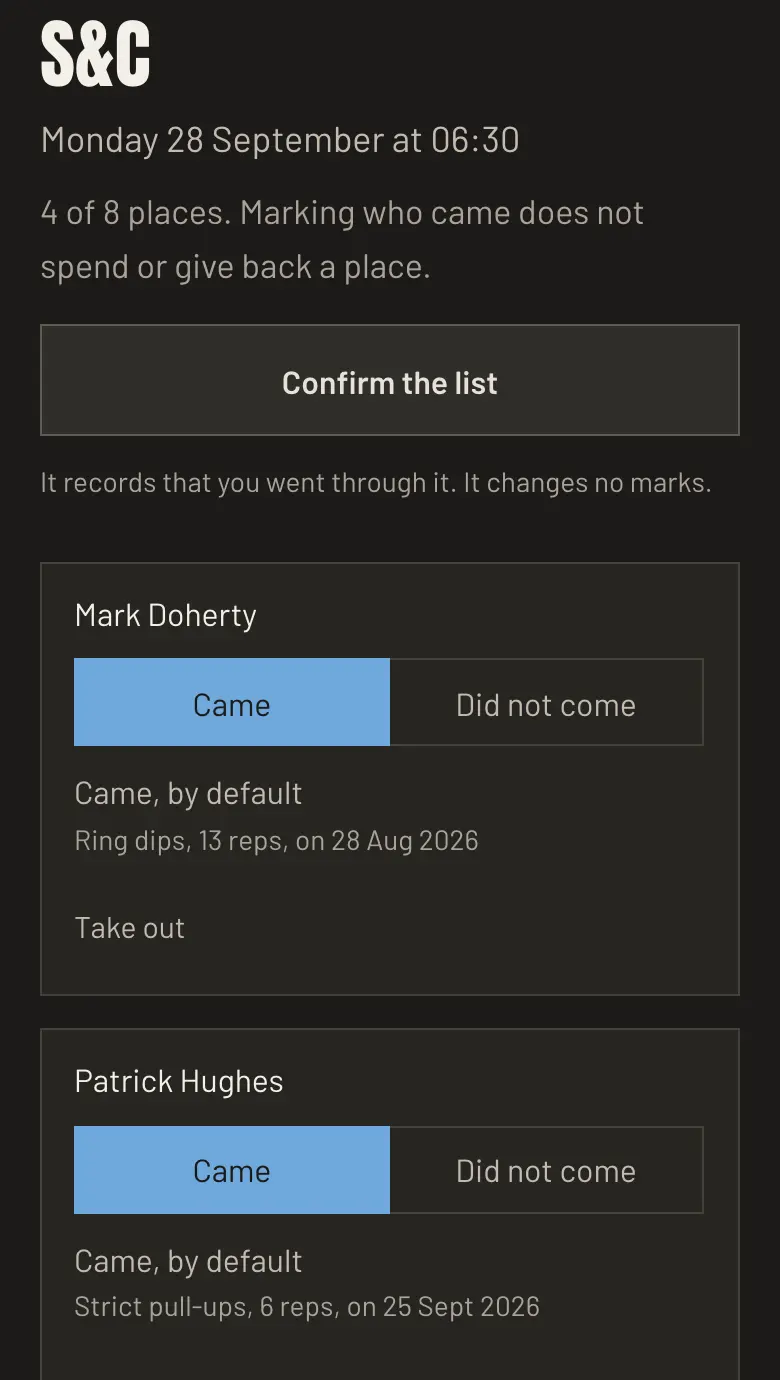
- Attendance
- Mark who came to each class. The coach teaching it can do it too.
- One-off classes
- A coach adds a one-off class they teach, from their phone.
- Message a class
- A coach writes to everyone booked on a class they teach.
The member
Books from their phone and sees their own places and progress.
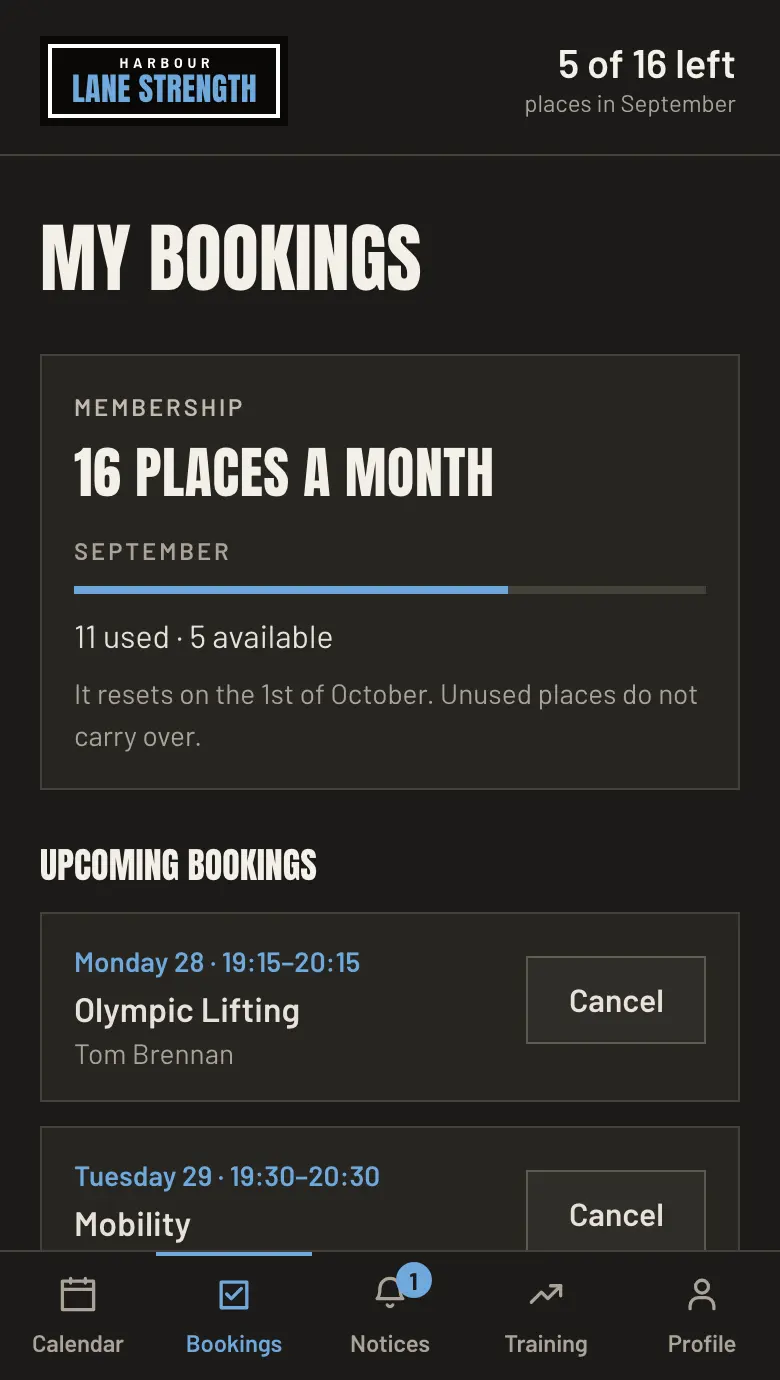
- Booking by phone
- Members book and cancel from their phone, up to the cutoff you set.
- Waiting list
- Full classes get a waiting list. Each freed place goes to the next in line.
- Places left
- Each member sees how many places their fee has left.
- Training log
- Members log sets and personal bests and track their progress. Their coach sees the same numbers.
- No app store
- Works in the phone’s browser, can sit on the home screen, and comes in English, Spanish or German.
Your web
Your own address and public page. Your data goes with you whenever you like.
- Your own brand
- Your own address, with your name, logo and colours.
- Public page
- A public page with your timetable, prices and directions.
- Trial classes
- If you turn it on, visitors ask for a trial class from your public page. Accept it and they are booked.
- Who sees what
- Owner, coaches and members each see only their part, with optional two-step sign-in.
- Change log
- See who changed what, and filter or download it.
- Full export
- Download all your gym’s data, photos included.
What it costs
Request a demo for your gym
Tell us about your gym, box or studio. We show you how bookings and fees work and, if it fits, help you open the Free plan.
Explore the demo gym